ByteDance AI Video Generator: Seedance 2.0, Image to Video, and Access
A practical guide to ByteDance's Seedance AI video generator: Seedance 2.0, Seedance 1.5 Pro, image-to-video workflows, access, pricing, and when to use each model.
What is the ByteDance AI video generator?
The ByteDance AI video generator most people are searching for is Seedance: a family of video generation models from ByteDance's Seed team. On Seedance AI you can use Seedance alongside Veo, Grok, Wan, and Kling models from the same workspace, so you can choose the best model for a specific job instead of rebuilding your workflow each time.
If your goal is to create a production-ready video, start with the Seedance 2.0 AI Video Generator. If your input is a product photo, portrait, illustration, or AI image, start with Seedance Image to Video.
Seedance 2.0 vs Seedance 1.5 Pro
Seedance 2.0 is the stronger choice when you need multimodal storytelling, reference images, native audio, and more coherent scenes. It is the best fit for:
- brand concept videos
- short narrative clips
- product videos with multiple angles
- scenes that need consistent characters or visual style
- text-to-video and image-to-video workflows with more creative control
Seedance 1.5 Pro is the better fit when you need 1080p output, lip-sync, first and last frame control, and lower credit cost for faster iteration. Many creators use Seedance 1.5 Pro for drafts and social ads, then use Seedance 2.0 for higher-value story sequences.
Image to video with Seedance
The most direct commercial workflow is image to video. Upload a product photo, campaign visual, AI-generated image, or character reference, then describe the motion, camera movement, lighting, and mood you want.
For example:
A premium skincare bottle on a reflective surface, slow cinematic push-in, soft studio lighting, water droplets sliding down the glass, luxury product ad style.
That prompt is a better fit for Seedance Image to Video than a generic AI video generator page because the intent is clear: turn a specific image into a controlled video asset.
Seedance access and pricing
Searches such as where to use seedance 2.0, how to access seedance 2.0, and seedance 2.0 cost usually come from users comparing real production options. The practical questions are:
- Which model supports my input type?
- How many credits does one video cost?
- Can I use the output commercially?
- Does the model support image-to-video, audio, or reference images?
- Can my team repeat the workflow reliably?
For self-serve generation, use the Seedance AI video workspace. For plan and credit details, see Seedance AI Pricing. Paid outputs are designed for watermark-free commercial use.
Which Seedance page should you use?
| Goal | Best page |
|---|---|
| Create with ByteDance's latest Seedance model | Seedance 2.0 AI Video Generator |
| Animate a product photo or reference image | Seedance Image to Video |
| Create 1080p lip-sync or first/last-frame clips | Seedance 1.5 Pro |
| Compare all video models in one workspace | Seedance AI video workspace |
| Check credit packs and subscriptions | Seedance AI Pricing |
Recommended workflow
- Open the Seedance 2.0 AI Video Generator if you want the strongest ByteDance model.
- Choose text-to-video when you have a scene idea, or image-to-video when you have a source image.
- Write a prompt that includes subject, motion, camera movement, lighting, and final use case.
- Generate a short draft first, then increase quality only after the motion direction is correct.
- Use the same prompt with Veo, Grok, Wan, or Kling when you want to compare styles.
Bottom line
For high-intent searches around ByteDance AI video generator, the best match is not a generic tool roundup. It is a focused Seedance workflow: Seedance 2.0 AI Video Generator for the main model, Seedance Image to Video for photo-driven creation, and Seedance AI Pricing for credit planning.
更多文章
Seedance 2.0: Complete Guide to ByteDance AI Video
Everything about Seedance 2.0 by ByteDance. Text-to-video, image-to-video, audio generation, camera control. Learn how to create AI videos in minutes.

Image to Video AI: Turn Any Photo into a Video
Complete guide to AI image-to-video. Transform still photos into cinematic videos with Seedance AI's first frame and last frame features. Try free!
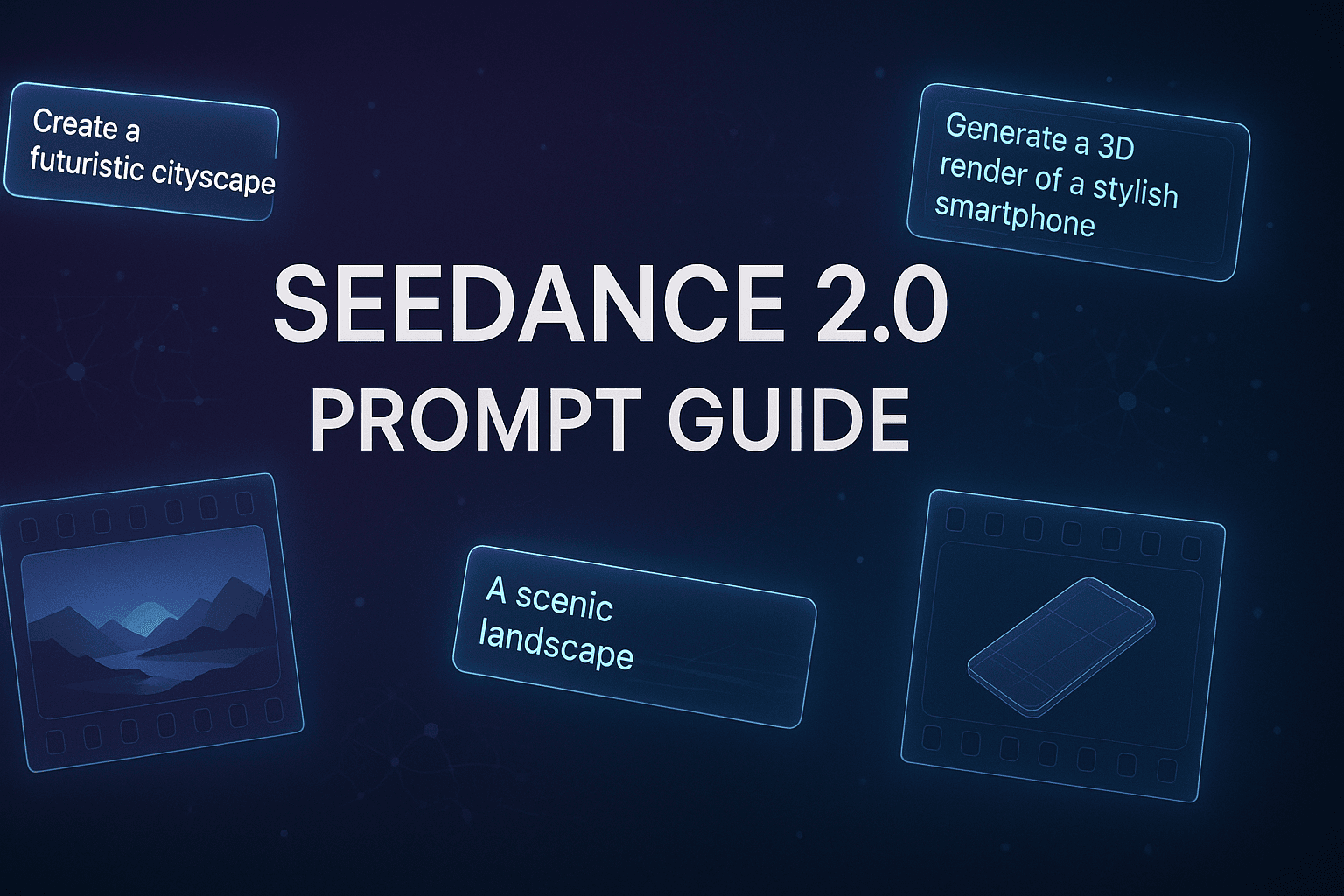
Seedance Prompt Guide: 70+ Best Seedance 2.0 Prompts & Templates
Copy-paste ready Seedance 2.0 prompts organized by category. Cinematic scenes, dance videos, product shots, nature footage, and more — with prompt engineering tips.